Why Do People Join My Twitch Stream and Leave Immediately?
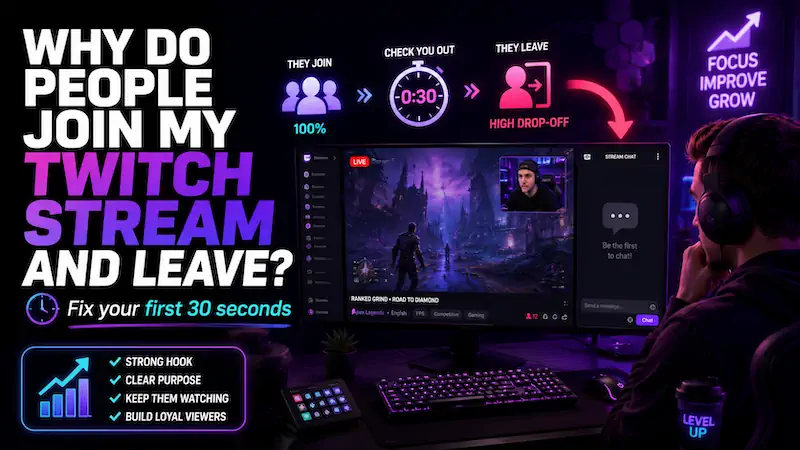
You go live, someone joins, and before you can even say hi… gone.
It feels personal, but most of the time it is not.
So, why do people join your Twitch stream and leave immediately? Most of the time, your first impression did not give them enough reason to stay, but there’s more. Read to find out.
Quick Answer: Why Do Viewers Leave a Twitch Stream So Fast?
Most Twitch viewers decide whether to stay within the first few seconds.
They’re checking your audio quality, energy, chat activity, and whether the stream matches what the title promised.
If any of those feel off, they bounce. Not because your content is bad, but because the first impression didn’t hook them fast enough. That’s a retention problem, not a talent problem.
First, This Is Not Always a Bad Sign
If people join your Twitch stream at all, that means you are getting some visibility. That is already better than streaming into pure basement darkness.
The issue is the handoff from “click” to “stay.” New viewers browse fast. Some are sampling small streams. Some only have five minutes. Some follow now so they can find you later. A fast exit does not always mean your content is trash.
It does mean your first 30 seconds need to work harder. That’s the window we are going to fix in this guide.
10 Reasons People Join Your Twitch Stream and Leave Immediately
Most viewer drop-off happens because the stream feels unclear, quiet, awkward, or mismatched.
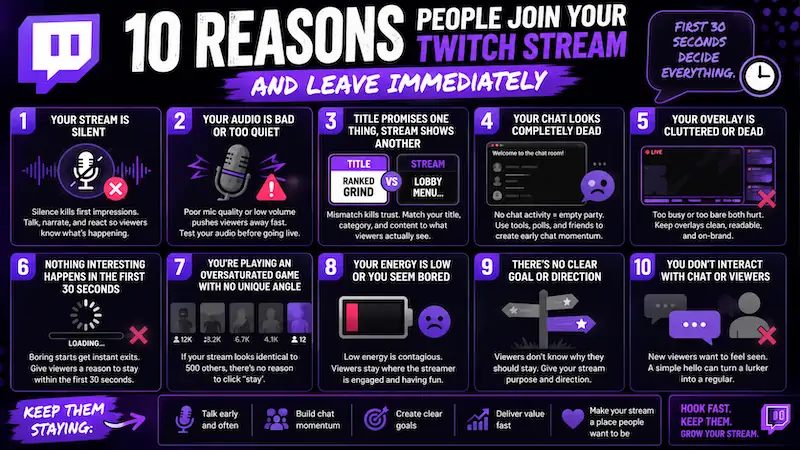
The fix is usually smaller than you think, and here are 10 things to consider.
1. Your Stream Is Silent When They Arrive
Silence is the fastest way to kill a first impression. A new viewer clicks in, hears nothing, and bounces before they even read your stream title.
Talk before Twitch chat talks back. Narrate your choices, react to gameplay, and explain what is happening.
Instead of sitting quietly in queue, say what went wrong last round, what you are fixing, or what challenge you are chasing.
A viewer should understand your stream before they even think about typing.
2. Your Audio Is Bad or Too Quiet
Stream audio matters more than camera quality, you should know this already.
If your mic quality is distorted, muffled, too quiet, or getting swallowed by game audio, viewers leave immediately.
Test stream audio before every stream, not just once when you set up your gear. Pull up a VOD or clip and actually listen back.
Bad audio is one of those things streamers stop noticing because they’re used to it. New viewers are not.
3. Your Title Promises One Thing, but the Stream Shows Another
People click based on your stream title and category. If your title says challenge run, but you are silently sorting inventory, they feel tricked.
-
Bad title: “Ranked grind”
-
Better title: “Trying to hit Gold before my sanity leaves first”
The title should create curiosity, and the first minute should pay it off. If the title says chaos, bring energy. If it says cozy, make the stream feel calm. Mismatch creates people leaving fast.
4. Your Chat Looks Completely Dead
Dead Twitch chat is social proof working against you.
For new viewers, it feels like they walked into an empty party too early. Nobody wants to be the first person dancing.
You do not need 200 active chatters. You need small signs of life.
Use pinned topics, Twitch polls, channel points, and simple prompts. Friends in chat can help early, especially during the first 20 minutes.
Even two real messages can create chat momentum and make the room feel less awkward.
If building that early chat momentum feels like an uphill battle, ViewBotter’s Twitch Chat Bot can help bridge the gap. It drops AI-generated accounts into your stream with real personalities that react to actual stream events… polls, game switches, big moments… so your chat box doesn’t look abandoned when new viewers land.
5. Your Overlay Makes the Stream Feel Cluttered or Dead
A stream overlay that’s either too noisy or completely bare both hurt viewer retention in different ways.
Too many widgets, panels, and moving elements push people away fast. No overlay at all can make even a decent stream feel unprofessional and unfinished.
Keep the game as the focus. Add a readable chat box, clean alerts, a simple goal, and branding that matches your vibe. Do not cover half the screen with panels nobody asked for.
A clean overlay tells viewers the channel is alive without shouting at their eyeballs.
6. Nothing Interesting Is Happening in the First 30 Seconds
Twitch viewers are browsing, not signing a lease. They will not wait three minutes for the stream to get good.
If they land during a loading screen, a quiet menu, or a dead moment, they need a verbal hook to stick around.
Say something like, “We are one win from ranking up,” or “Chat is choosing my next weapon.” For boss fights, try, “I have died here six times and I’m emotionally unwell.”
A visible stream goal also helps viewers know why they should stay.
7. You Are Playing an Oversaturated Game With No Unique Angle
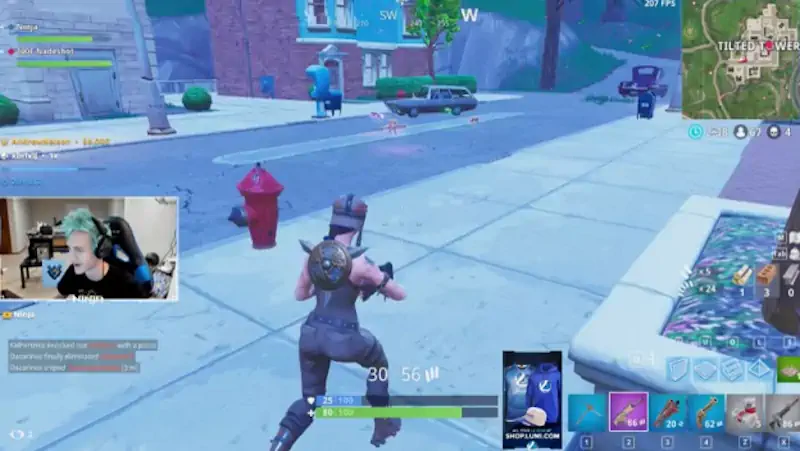
Category choice is one of the biggest retention killers small streamers ignore.
Yes, an oversaturated game can pull viewers, but it can also bury you under hundreds of channels. It’s just how the Twitch Algorithm works.
If someone clicks a tiny stream in a packed category, they need a reason to stay.
Your angle can be skill, chaos, roleplay, learning, education, or community choices. Try titles like:
-
“Solo queue support only”
-
“Chat chooses my loadout”
-
“Learning Valorant from zero”
-
“No damage boss attempts”
… Anything that makes your small stream feel like a specific experience rather than another person playing the same game. Without an angle, you’re just noise in a crowded category.
Also, try to play some games that are not overcrowded. We already have a full guide on the best games to stream on Twitch in 2026, you can check out.
8. You Do Not Welcome Viewers Naturally
Calling out lurkers is one of the fastest ways to empty a chat.
Saying “I see you watching, say something” makes quiet viewers feel watched in the wrong way… and they leave.
Lurkers are not a problem. Let lurkers lurk. Stream engagement cannot be forced.
Instead, keep talking in a way that makes newcomers feel included without spotlighting them. Welcome people when they choose to type, not before. “Glad you’re here” is fine. Pressuring them is how you speedrun a viewer drop-off.
9. Your Stream Has No Clear Personality Yet
Viewers need to know what kind of stream they joined. Are you chill, chaotic, tactical, funny, cozy, educational, rage-fueled, or cursed in a lovable way?
“Just playing games” is usually too vague for small streams.
Write down three words your stream should feel like. Then check if your overlay, alerts, commentary, and stream schedule actually match those three words.
Consistency in personality is what builds parasocial connection over time, and that’s what makes viewers come back.
10. Your Viewer Count Looks Too Low to Feel Worth Joining
Zero or one concurrent viewers can trigger a social proof problem.
Some Twitch viewers skip small streams with no visible activity because they assume nothing is happening. Not because your content is bad, but because low numbers read as “not worth stopping for.” It’s not fair, but it’s how fast browsing works.
So… early momentum helps here. A couple of friends in chat, active chat prompts, or steady regulars can make the channel feel warmer.
Try hiding your viewer count while live. Watching 2 turn into 1 every few minutes can wreck small streamer mental health.
This is exactly where ViewBotter’s Twitch Viewer Bot can help. It keeps your concurrent viewers off zero while you’re still building real momentum, so your stream doesn’t get scrolled past before anyone even gives it a shot.
How to Fix Your First 30 Seconds
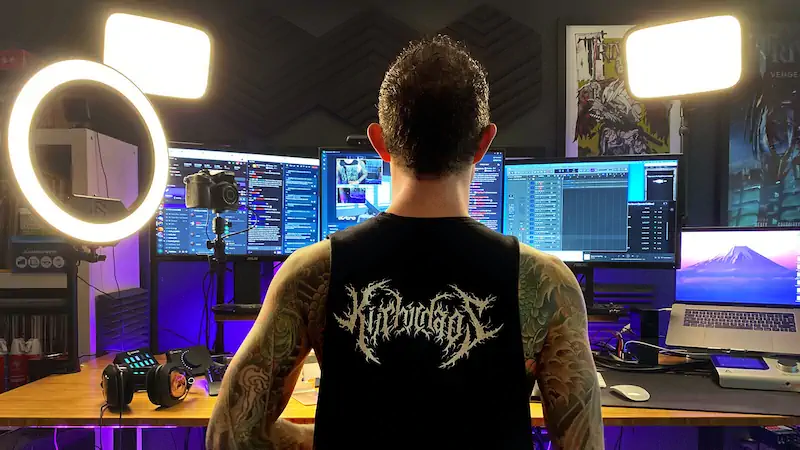
Your first 30 seconds should answer one simple question: “Why should I stay here?” Make that answer obvious before the viewer gets bored.
Before You Go Live
-
Test your mic and game audio with a short recording. Open a clip or VOD and actually listen.
-
Write a clear stream title with a goal or joke. If the title doesn’t make you want to click it, rewrite it
-
Add one visible goal, challenge, or stream plan. Something visible that gives viewers a finish line to watch for
-
Pin a chat topic. A question already sitting there when viewers land removes the awkward “first message” barrier.
-
Clean your overlay so the game stays easy to watch.
When Someone Joins
-
Keep talking naturally, even with no replies.
-
Explain what is happening in the game. “We’re trying to clear this dungeon without healing” gives context instantly.
-
Avoid calling out lurkers or join messages.
-
Ask simple questions with easy answers. “Sword or spear for the next fight?” is easier to answer than “what should I do?”
-
Keep your energy steady during queues and menus. Spiking too hard when someone joins and then going flat reads badly
After They Leave
-
Skip the viewer count. Watching it bounce between 0 and 2 is bad for small streamer mental health and bad for your stream energy.
-
Check your VOD after the stream. Find the moment new viewers arrived and check what was happening.
-
Also, look for the exact moments people leave.
-
Fix one issue each stream, not everything.
-
Watch your first five minutes like a stranger would.
-
Track average viewers and concurrent viewers over time.
Quick Checklist
-
Can someone understand my stream in 10 seconds?
-
Is my audio clear?
-
Is my title accurate?
-
Is there a reason to stay?
-
Does chat look alive?
-
Am I talking before chat talks back?
Click Problem vs Retention Problem
“Why do people join my Twitch stream and leave immediately?” is a retention problem, not a visibility problem. You’re getting the clicks. The stream just needs to convert them into watch time.
| Problem | What It Looks Like | What to Fix |
|---|---|---|
| Click problem | Nobody joins at all | Category choice, stream title, timing, thumbnail |
| Retention problem | People join then leave fast | Audio, energy, first 30 seconds, content hook |
| Chat problem | People watch but don’t type | Prompts, Twitch polls, channel points, chat momentum |
| Visibility problem | Buried in category | Category competition, stream schedule, off-platform clips |
| Content problem | Viewers leave after a few minutes | Pacing, personality, stream structure |
If nobody is joining at all, that is a different problem. You may need better category choice, stronger titles, smarter timing, and more off-platform traffic. We covered that side in our full guide on how to get more Twitch viewers.
Where ViewBotter Fits In
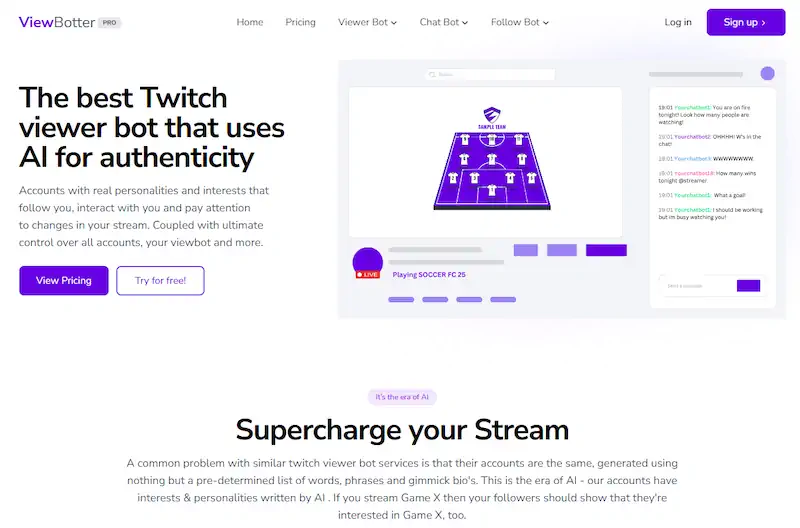
The biggest reason viewers leave immediately is that the stream feels empty before it gets a chance to warm up.
ViewBotter tackles that cold-start problem directly:
-
Our Twitch Viewer Bot keeps your concurrent count visible so new visitors actually bother clicking in.
-
Our Twitch Chat Bot adds early activity so the stream doesn’t feel like a ghost town when they do.
Neither tool replaces better audio, stronger titles, or tighter commentary… but they stop your stream from getting ignored before any of that even gets a chance to land.
Try it free or check pricing to find a plan that fits.
Mistakes That Make Viewers Leave Faster
-
Calling out lurkers: Quiet viewers feel watched in a bad way. Let them relax.
-
Starting with low energy: The first impression feels dead before the stream begins.
-
Ignoring audio quality: Bad mic quality is the number one silent killer of Twitch retention. Viewers won’t tell you… they’ll just leave.
-
Using a boring title: “Ranked grind” gives nobody a reason to care.
-
Having no visible goal: When viewers don’t know what they’re watching for, why would they stay?
-
Going silent during queues: These are exactly the moments new Twitch viewers often click in.
-
Begging people to stay: Saying “please don’t leave” or “why is everyone leaving” creates awkward energy that pushes people out faster than silence does.
-
Only talking about game mechanics: Stream quality means personality, opinions, stories, and reactions. Pure gameplay commentary with zero human layer isn’t gonna work.
-
Overloading alerts: A loud notification sound every minute can ruin the vibe.
-
Watching viewer count live: It makes your mood swing with every tiny number.
-
Forgetting the viewer’s side: Twitch engagement is earned, not owed.
FAQ
Why do people join my Twitch stream and leave immediately?
Most viewers leave immediately because the stream does not give them a fast enough reason to stay. Common causes include silence, bad audio, dead chat, a confusing title, no clear goal, or a stream that feels inactive when they arrive.
How long do Twitch viewers decide if they will stay?
Many Twitch viewers decide within the first few seconds. They are checking your audio, energy, gameplay, chat activity, and if the stream matches the title they clicked.
Should I call out viewers when they join my Twitch stream?
Usually, no. Calling out lurkers can make people uncomfortable. It is better to keep talking naturally and welcome viewers when they choose to type in chat.
Why do people watch but not chat on Twitch?
Some viewers are lurkers, some are shy, and some do not see an easy reason to speak. Use specific questions, Twitch polls, channel points, and stream rituals to make chatting easier.
Does a dead chat make viewers leave?
Yes, it can. A dead chat makes a stream feel less active, especially for new viewers who do not want to be the first person talking.
Can ViewBotter help people stay in my Twitch stream?
It helps with the first impression side of it. If viewers are leaving because your stream looks empty or inactive when they arrive, the Twitch Viewer Bot and Twitch Chat Bot can make the stream feel more alive during those early, quieter moments.
What should I fix first if viewers leave immediately?
Start with audio, silence, title accuracy, and the first 30 seconds of the stream. Those are usually the fastest retention killers, and they are also the easiest to improve.